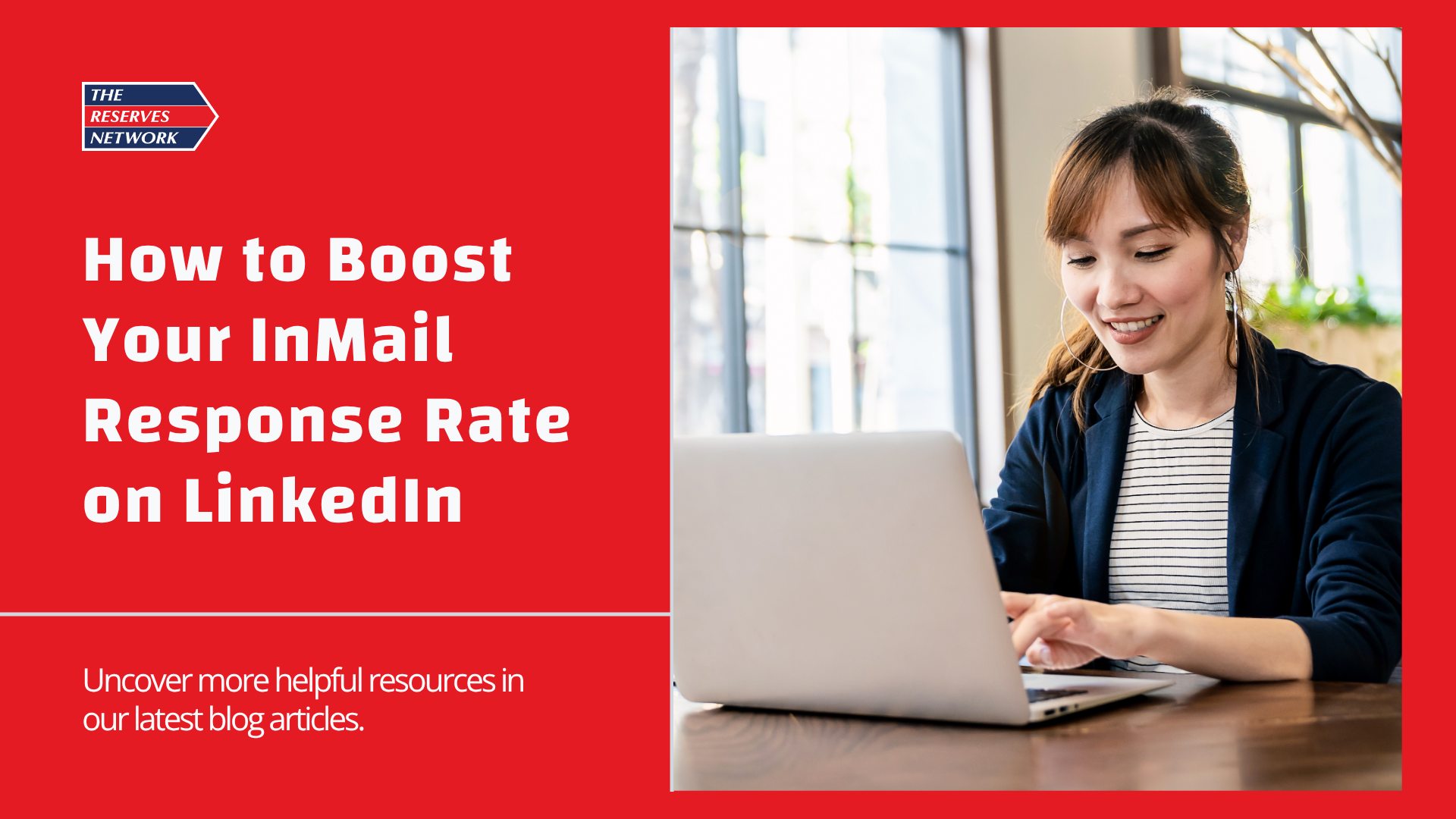
How to Boost Your InMail Response Rate on LinkedIn

If you’ve ever crafted the perfect LinkedIn InMail only to be met with silence, you’re not alone. Whether you work in recruiting, sales, or business development, getting someone to open, read, and respond takes skill. The good news? A few smart tweaks to your approach can boost your InMail response rate. Let’s look at what actually works.
Start With a Clear, Personalized Subject Line
Your subject line is your first impression, and on LinkedIn, it determines whether your message even gets opened. People are far more likely to engage when they feel the message is for them and not just another template. To make yours stand out, follow these tips:
- Keep it short (under seven words)
- Include their name or company when appropriate
- Hint at value, not a pitch
Lead With Connection, not a Sales Pitch
Before talking about what you want, start by focusing on them. A little personalization goes a long way and shows you’ve done your homework. This small shift instantly makes your outreach feel genuine and helps build rapport before you ever make an ask. Try mentioning:
- A mutual connection, shared group, or something relevant in their profile
- A recent post, article, or company announcement they’ve shared
Keep It Short, Clear, and Conversational
The ideal InMail is between 100 and 300 words. Long, dense paragraphs lose attention fast, so make every word count. Think of your message in three simple parts:
- Personal Hook: Explain why you’re reaching out.
- Value Statement: Highlight what’s in it for them.
- Simple CTA: End with one clear next step.
Use a Soft Call to Action
People are busy, so skip the hard “book a meeting” approach and opt for a softer ask instead. When your message feels low-pressure and easy to say yes to, your chances of getting a reply increase. Consider phrases like:
- “Would you be open to connecting for a few minutes?”
- “Can I send you a quick overview?”
- “Would you like me to share a few examples?”
Send Messages at the Right Time
According to LinkedIn, InMail’s sent between Tuesday and Thursday, 8–11 a.m., tend to see the highest open and response rates. Avoid sending messages on weekends or late evenings when most professionals are offline and less likely to engage.
Test, Learn, and Refine
Even the best messages can be improved. The more you test, the faster you’ll discover what works best. Try A/B testing different elements of your InMail, such as:
- Subject lines
- Opening sentences
- Calls to action
Follow Up Thoughtfully
If you don’t get a response, don’t assume they’re not interested. Sometimes they just missed your message. Wait 5–7 days and send a friendly follow-up. Keep it polite, short, and helpful, not pushy.
Boosting your LinkedIn InMail response rate isn’t about sending more messages; it’s about sending better ones. When your outreach feels personal, value-driven, and genuinely human, people are far more likely to respond. The next time you hit “send,” remember that personalization and authenticity win every time.